One word changes the whole look
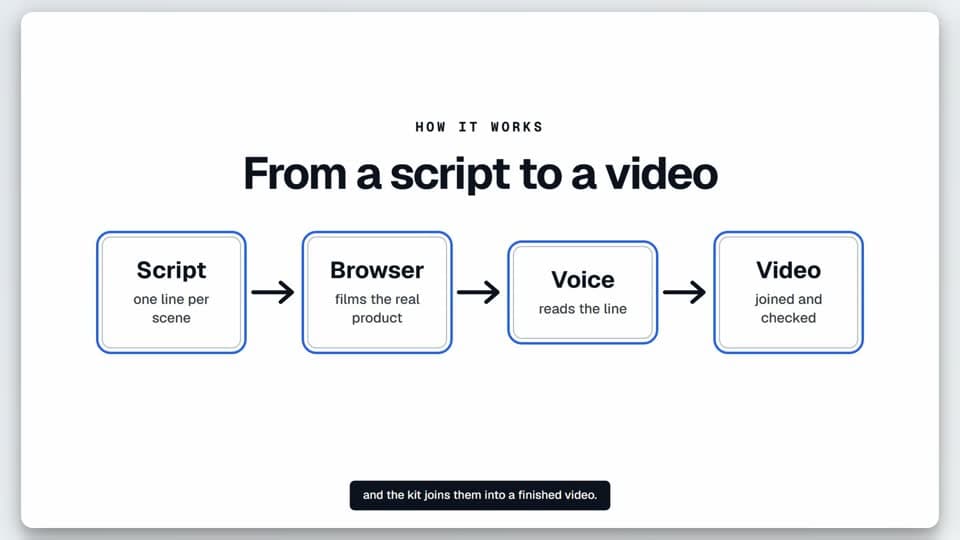
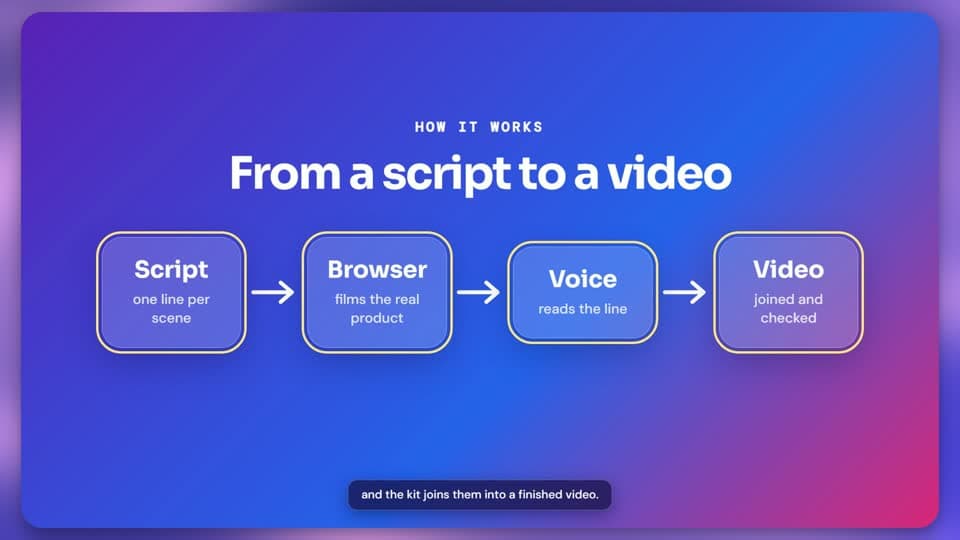
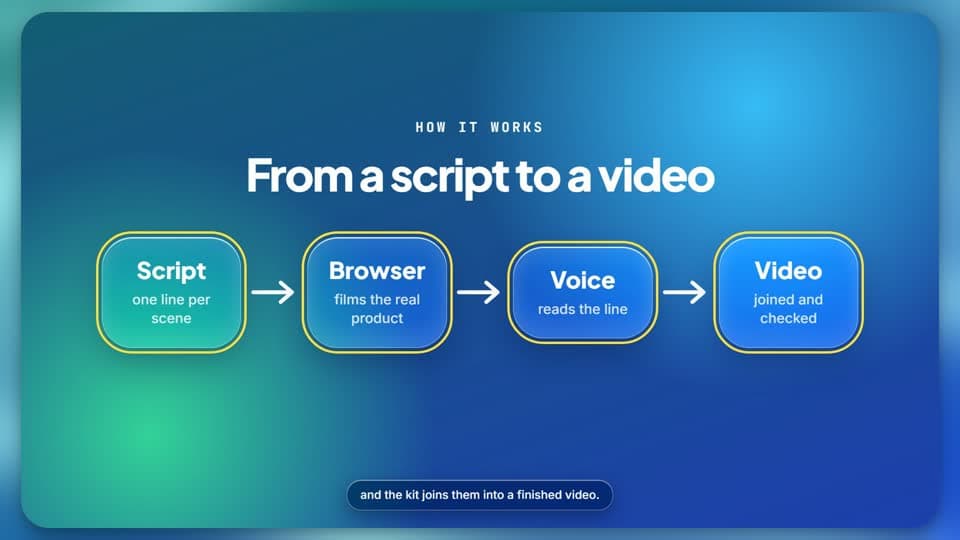
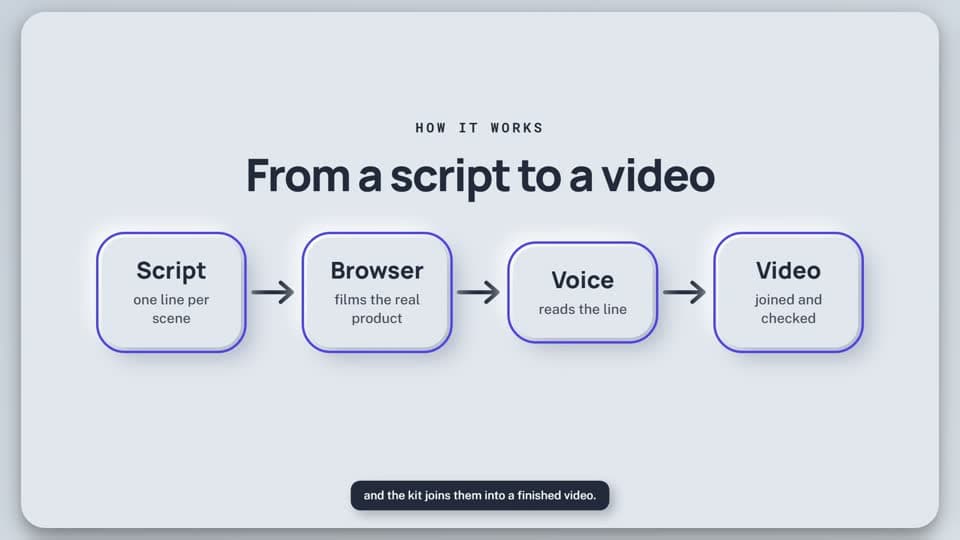
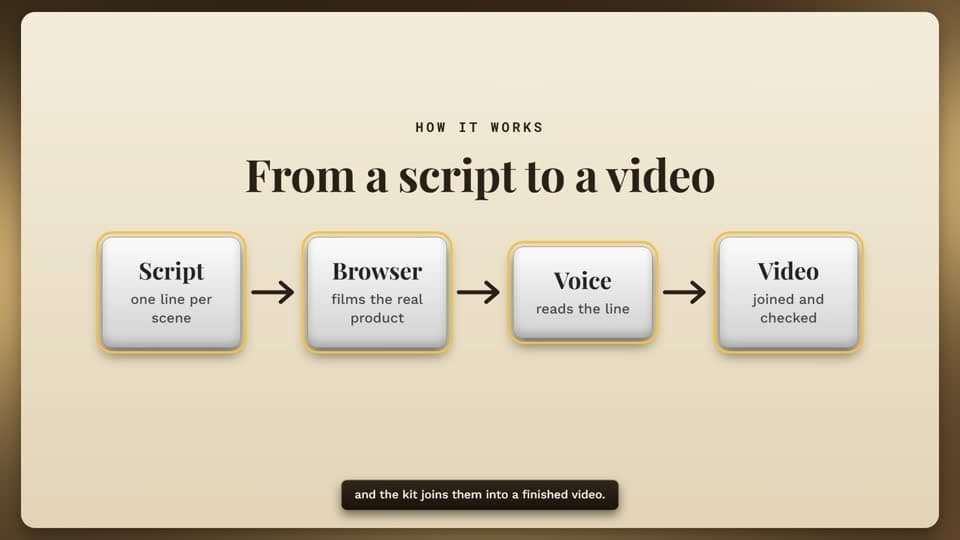
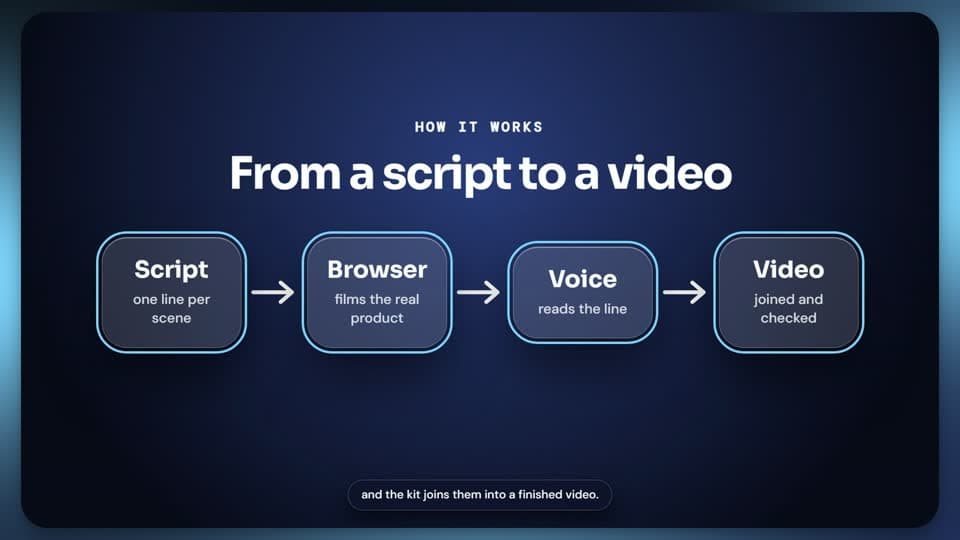
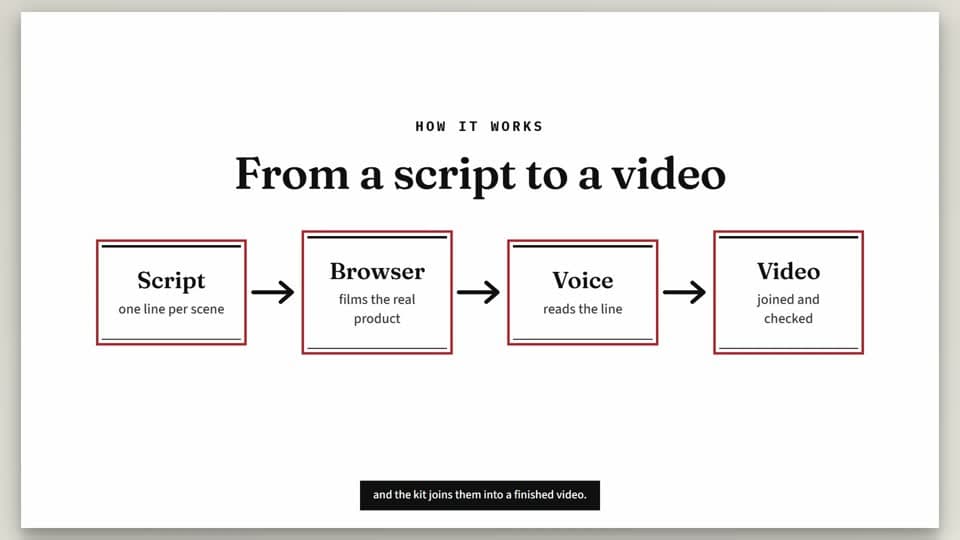
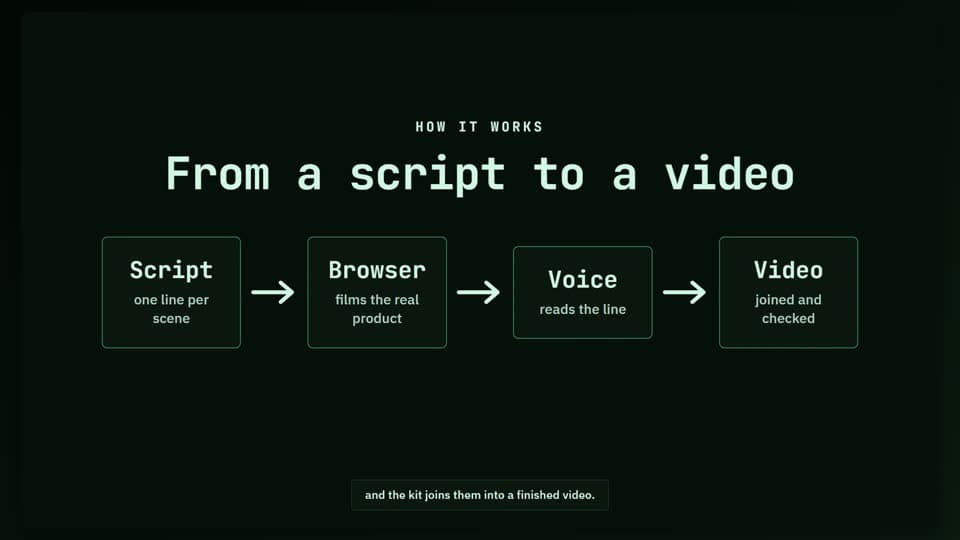
A theme sets how cards, labels and captions are drawn, the fonts, the colours, the backdrop, how things move and how it sounds. Every picture below is a frame from a real render.
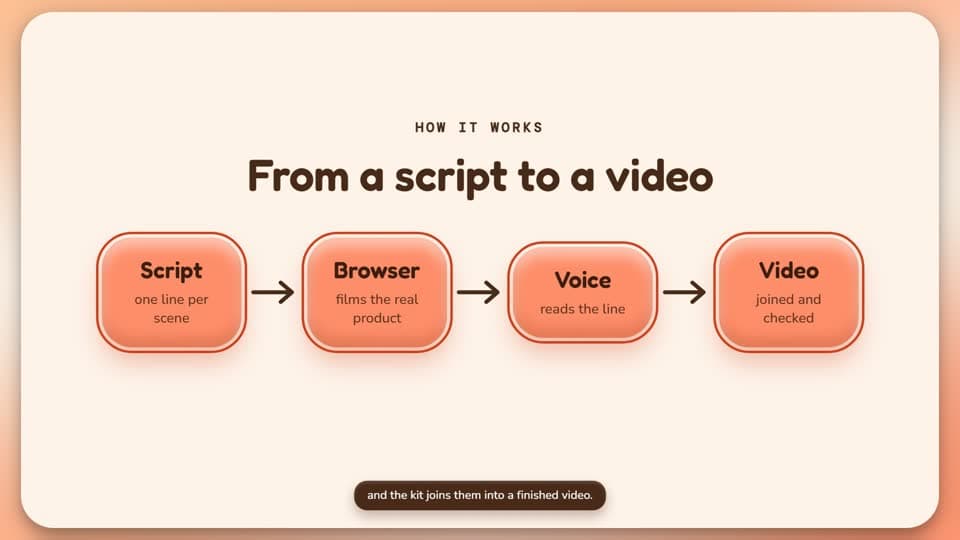
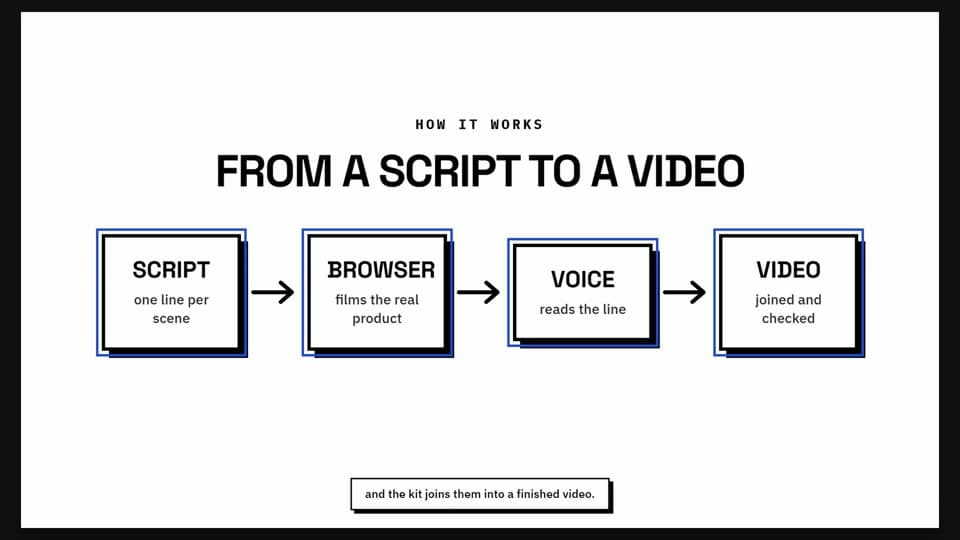
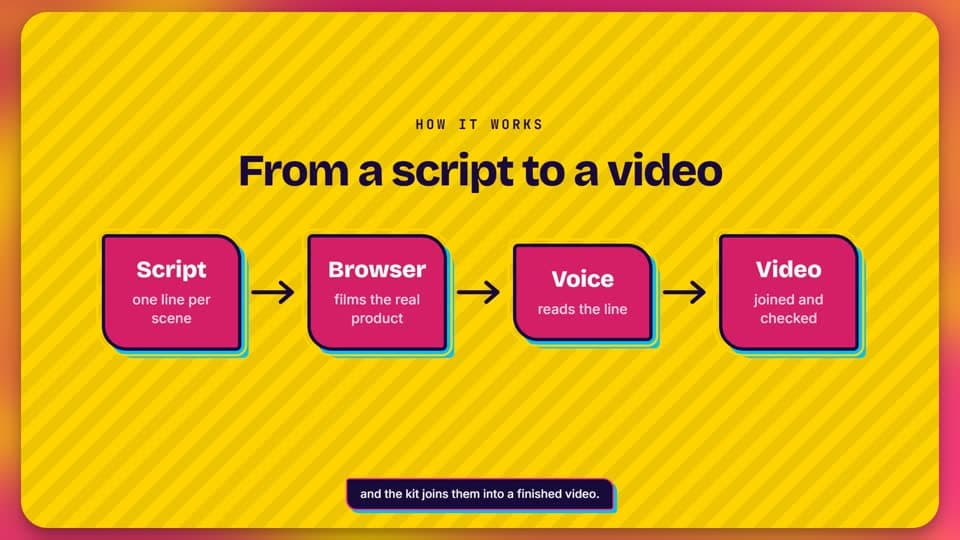
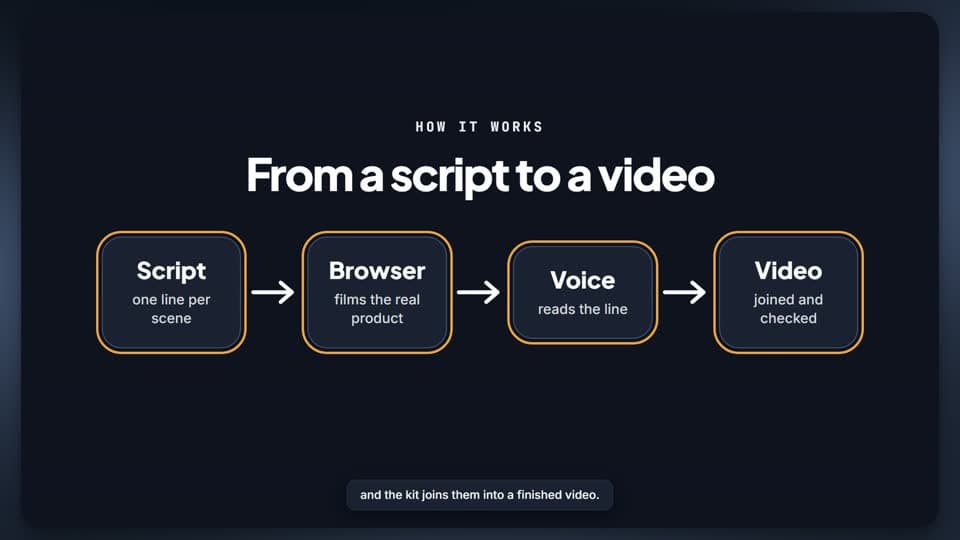
Use a theme
Try two or three on your own video without changing the config. Each run writes files named after the theme, so you can compare them.
bunx showcase themes
bunx showcase make --theme glass --draft
bunx showcase make --theme clay --draft{ "url": "http://localhost:3000", "theme": "glass" }Make your own
A theme for your brand is one small file in your project. Start from the built-in theme closest to your brand, with your colours. It is checked for readability before it can be used.
showcase theme new acme --from glass --accent "#FF5A1F" --ink "#0B1D35"/showcase-theme-new orange and dark blue, rounded and friendly, a food delivery appThis site has its own theme
It is called lavender. It starts from the built-in clay theme and takes this site's colours and fonts, so a video sits on the page as if it were part of it. The video here, and the tour in the guide, were rendered in it.
{
  "description": "The look of the Showcase website",
  "extends": "clay",
  "colors": {
    "ink": "#1E1B3A",
    "accent": "#6A4BEA",
    "paper": "#F7F5FF"
  },
  "fonts": {
    "display": "Outfit",
    "text": "DM Sans",
    "mono": "JetBrains Mono"
  },
  "backdrop": ["#BBA9F7", "#DDD4FE", "#F7F5FF"],
  "radius": 0.06
}{ "url": "http://localhost:3000", "theme": "lavender" }From an empty folder to a first video.
Ten steps, each with the command to type and what you should see. Every tool in the pipeline is free.