Version 2.4.1 · Apache-2.0 · runs on your machine
Demo videos, written not recorded.
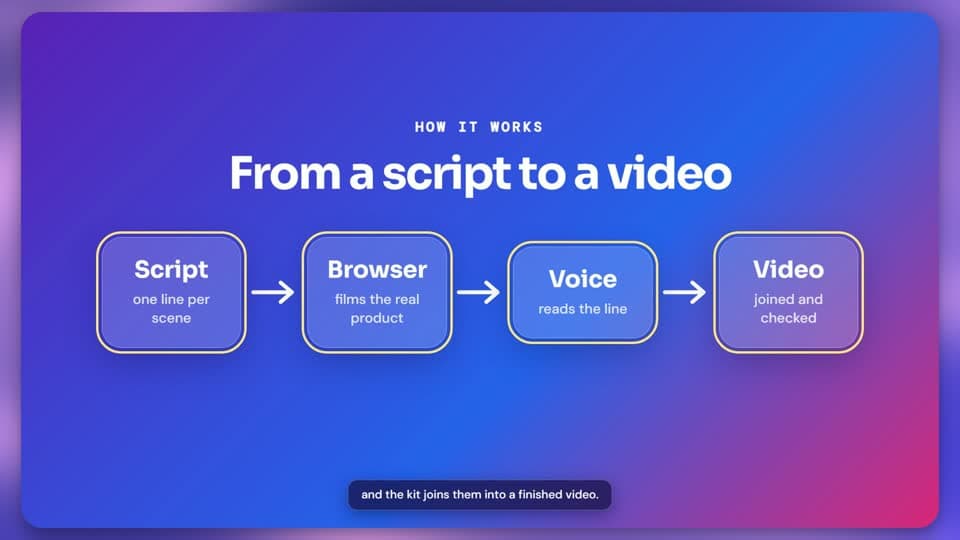
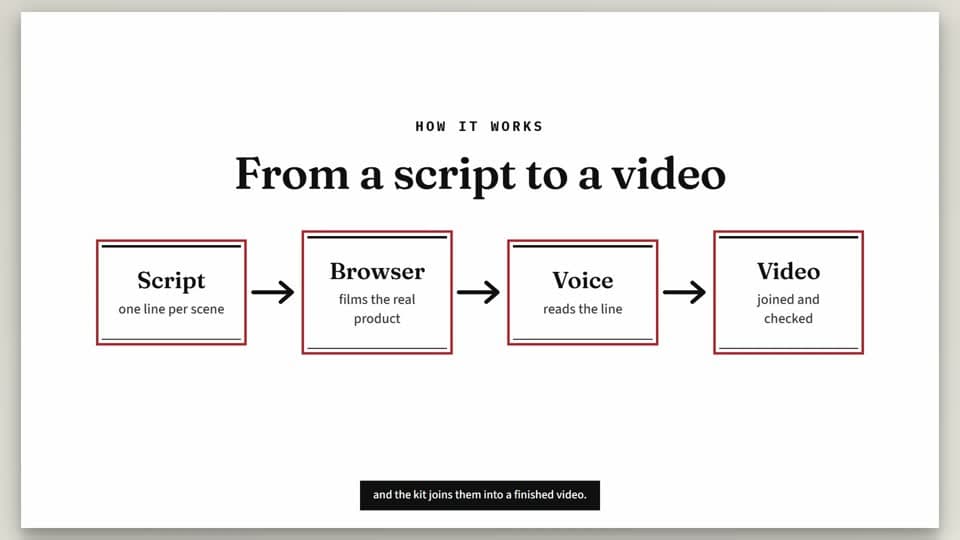
Write one spoken line per scene. Showcase films your real product in a browser, reads the narration in a local voice, and builds the video. To change what is said, edit a line and render again.
bunx showcase init --config
0:00 / 0:00
Made with Showcase, from a script. 45 seconds, with sound.
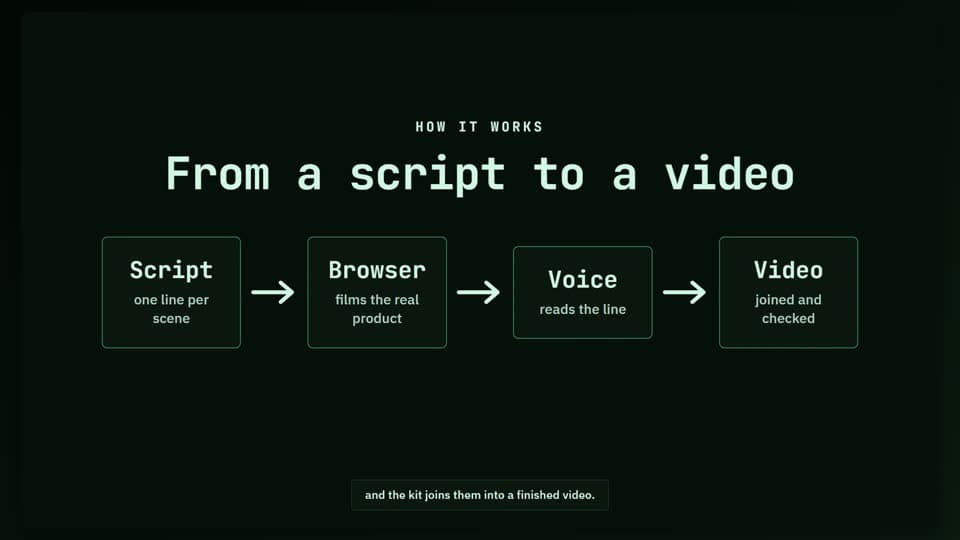
From a script to a video, in four steps
Press a step to see what happens in it.
Step 1 of 4
Write
A video is one TypeScript file. Each scene has the line the voice will say, and what happens on screen while it is said.
video.ts
{
  id: 'moved',
  say: 'One click keeps only the shipments whose date moved.',
  run: async ({ page, stage, untilSaid }) => {
    await stage.click(page.getByRole('button', { name: 'Moved only' }))
    await untilSaid(0.6)
    await stage.focus(page.locator('td.eta').first(), {
      label: 'Old date kept under the new one',
    })
  },
}Everything a video editor would add
Nobody records a screen and nobody opens a video editor.
One word changes the whole look
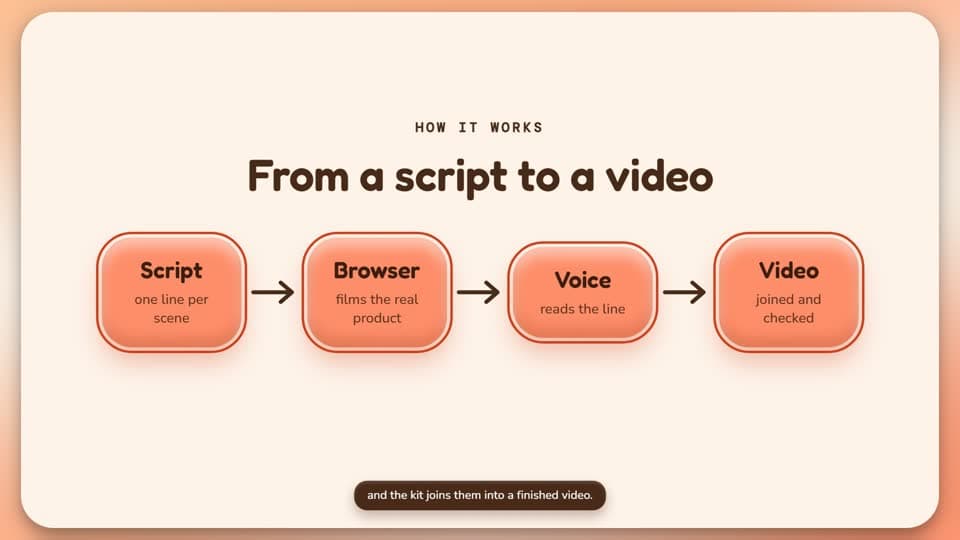
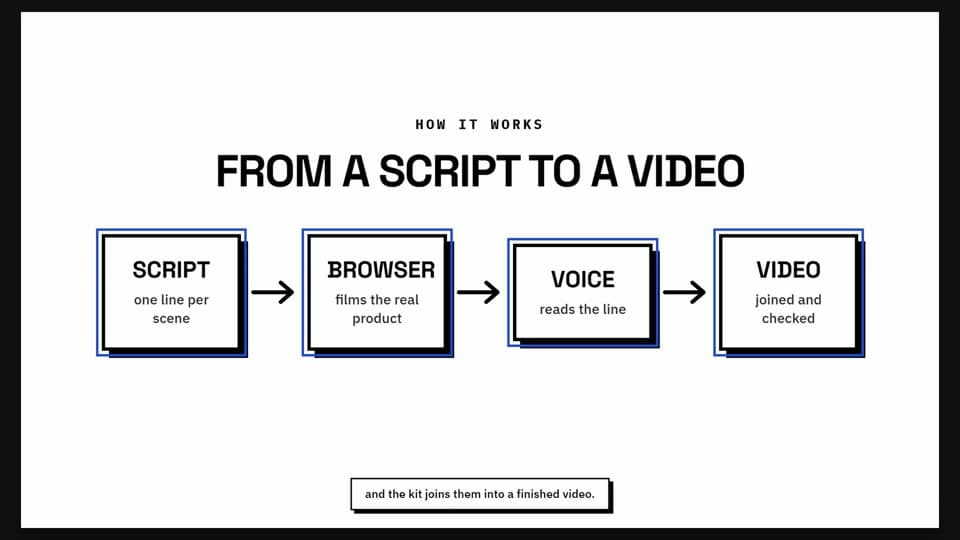
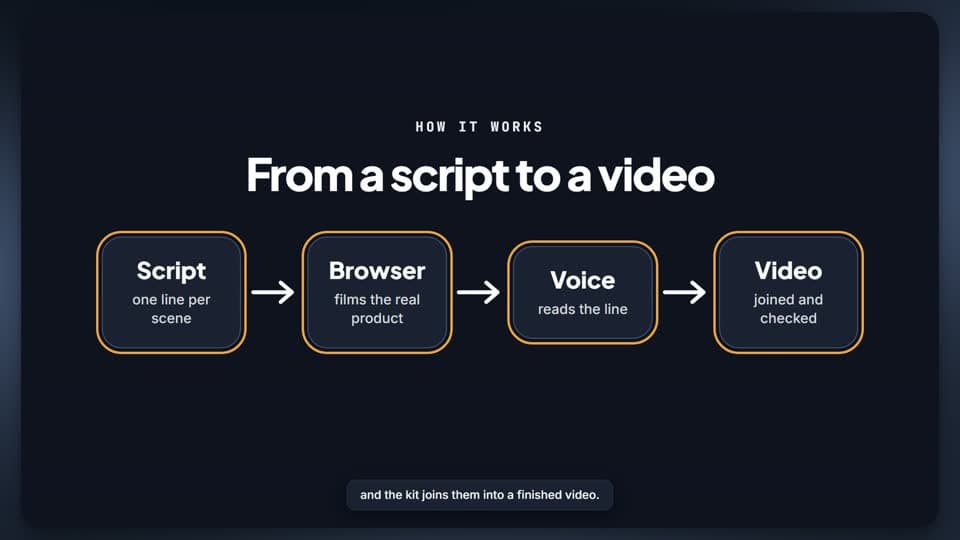
Cards, captions, labels, fonts, colours, backdrop, movement and sound change together.
From an empty folder to a first video.
Ten steps, each with the command to type and what you should see. Every tool in the pipeline is free.